√Fully compatible | ×Not directly compatible |
Vertically oriented SATA ports | Horizontally outward SATA ports |
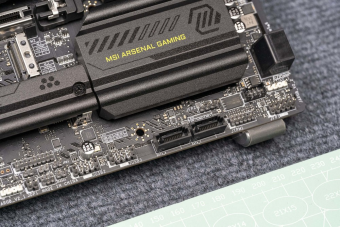 Reference image: MSI MAG B760M MORTAR WIFI | 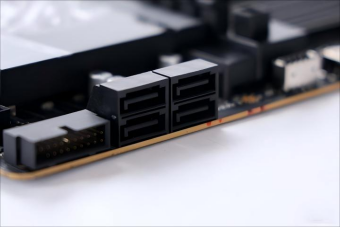 Reference image: Gigabyte B850M AORUS PRO WIFI7 |
Structural Explanation
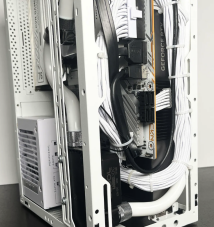
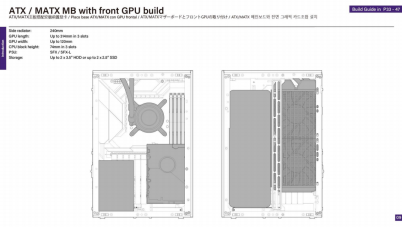
Solutions
Pre-purchase, select motherboards with vertically arranged SATA ports; ITX motherboards are not affected.
Pre-purchase, Use M.2 SSDs instead of HDDs or SATA SSDs to avoid concerns over SATA port orientation.
Purchase the dedicated Meshroom Expansion Bracket and use 90° angled SATA cables (SSUPD doesn't supply this, free to choose from third-party). This adds extra internal clearance and supports all storage configurations.
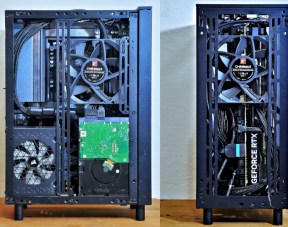
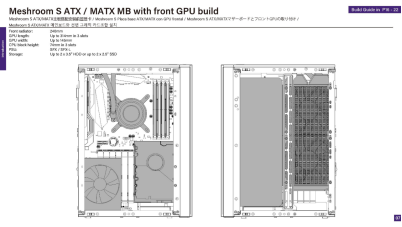
Required components for the Meshroom Expansion Bracket setup: | |
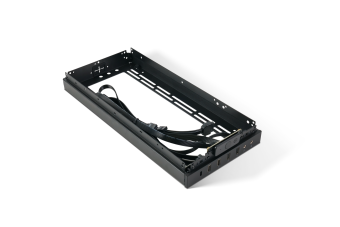 | 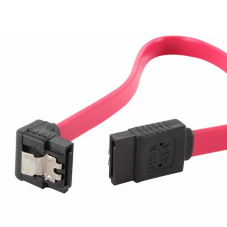 Single 90° Angled SATA Cable (SSUPD doesn't supply this, free to choose from third-party) |
Application Guidelines for Different Scenarios
If you are still selecting components: Choose a motherboard with vertically oriented SATA ports.
If you already own the Meshroom S V2 and motherboard: Adopt an M.2 SSD-only configuration.
If you already have the Meshroom S V2 and motherboard and need to use HDD or SATA SSD, install the Meshroom Expansion Bracket together with angled SATA cables.
Was this article helpful?
That’s Great!
Thank you for your feedback
Sorry! We couldn't be helpful
Thank you for your feedback
Feedback sent
We appreciate your effort and will try to fix the article